

Get started
Get started with Hemvik
3 minUpdated October 10, 2026
 3 min
3 minHow to set up Hemvik for your family in a few minutes – from account to your first screen.
1
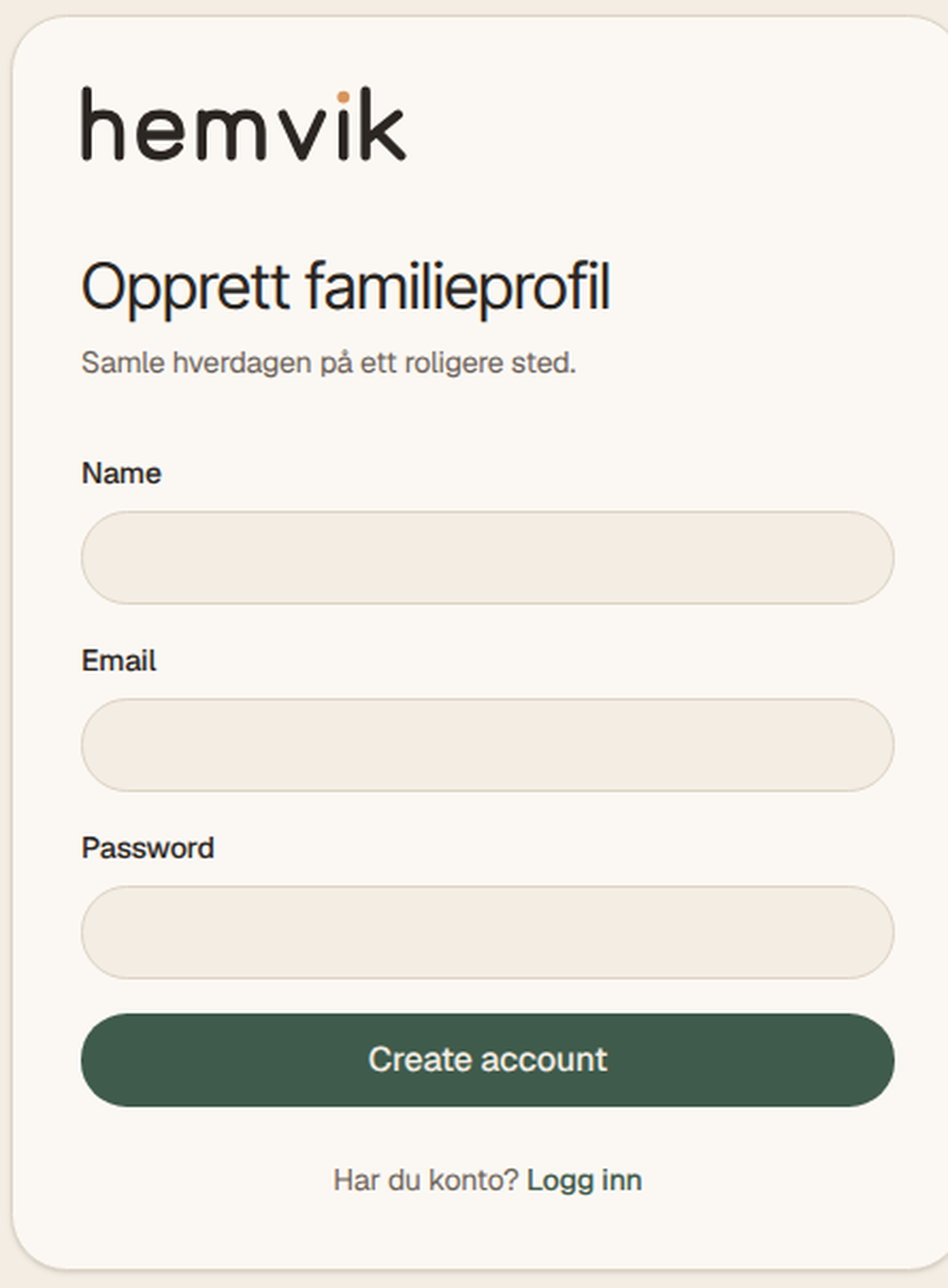
Download Hemvik and create an account
Get the Hemvik app from the App Store or Google Play, or open app.hemvik.no in your browser. Sign up with your email address and confirm the account.
2
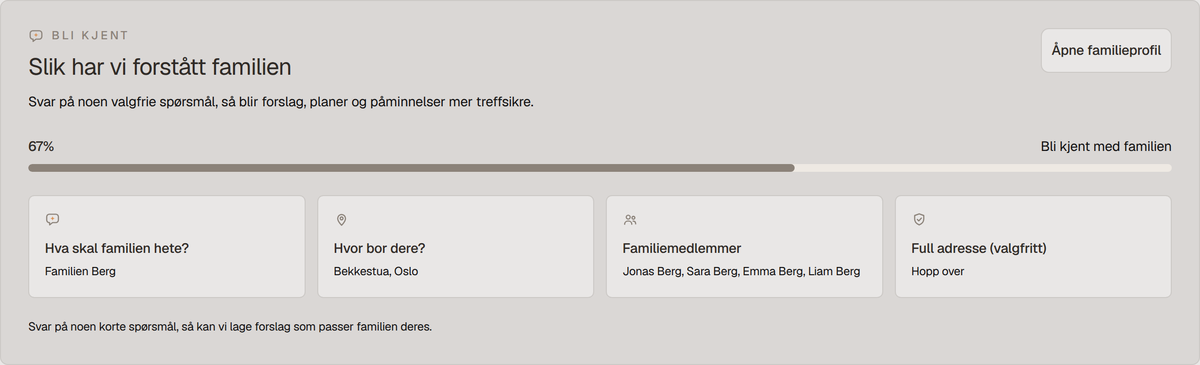
Create your family
Give your family a name and add your home address. The address is used for weather, maps and travel information on your screens.
3
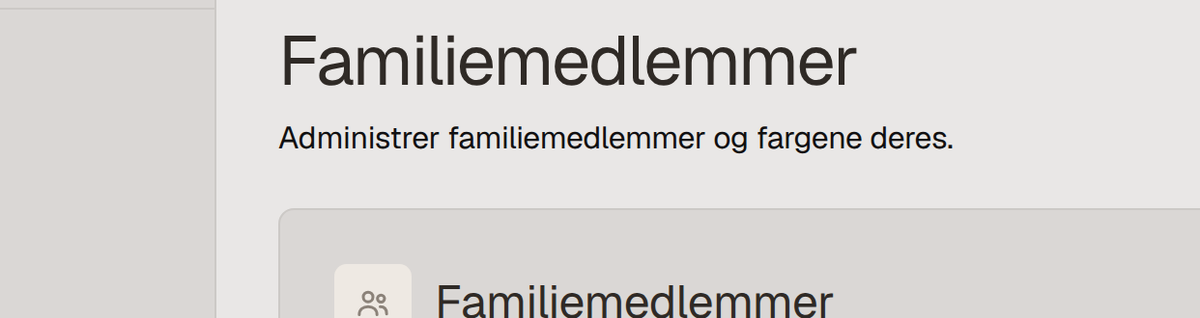
Add family members
Add everyone in the household with a name, role and colour. Parents get access to everything – children get a simple profile with their own chores and calendar.
4
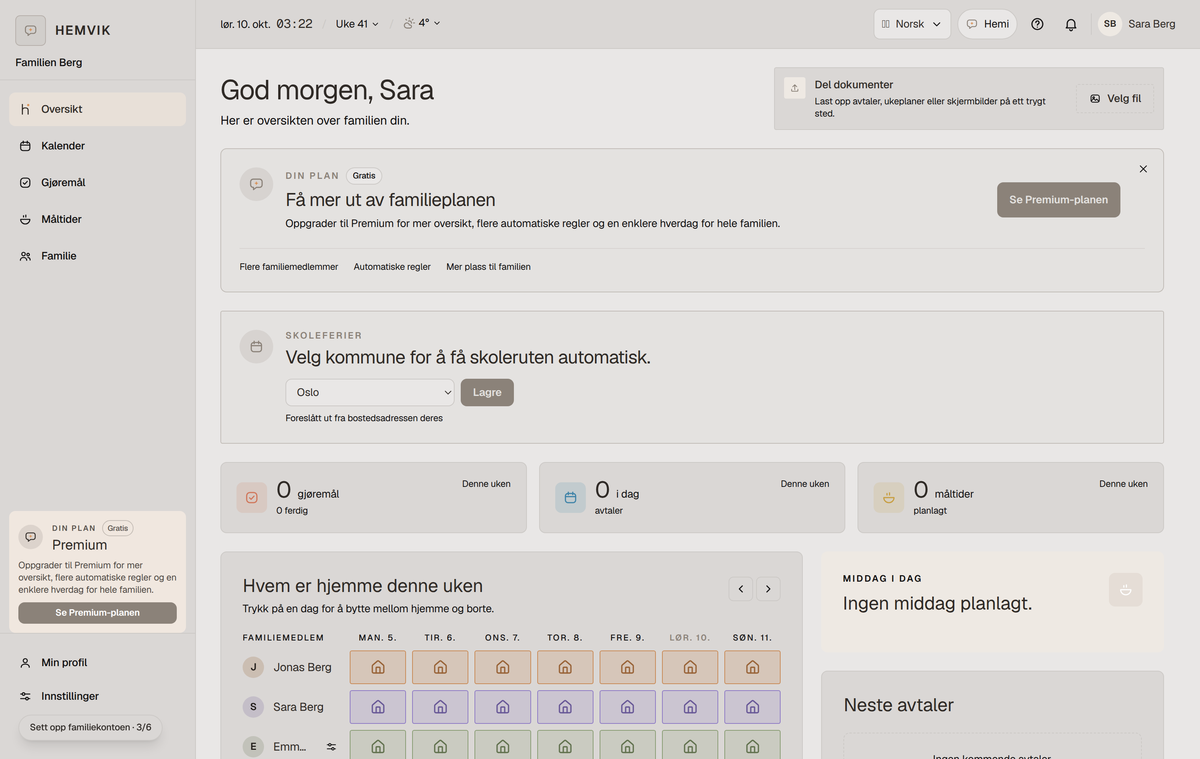
Explore the home page
From the home page you will find the calendar, chores, meals and screens. Everything you change updates automatically on your family’s Hemvik screens.
Connect your first Hemvik screenCreate the family and invite membersInstall Hemvik as an app on your phone
Need more help? Ask Hemi →